Noise Cancelling Headphones
A practical step-by-step guide to noise cancelling headphones, including preparation, instructions, common issues, tips, and next steps.
Noise Cancelling Headphones
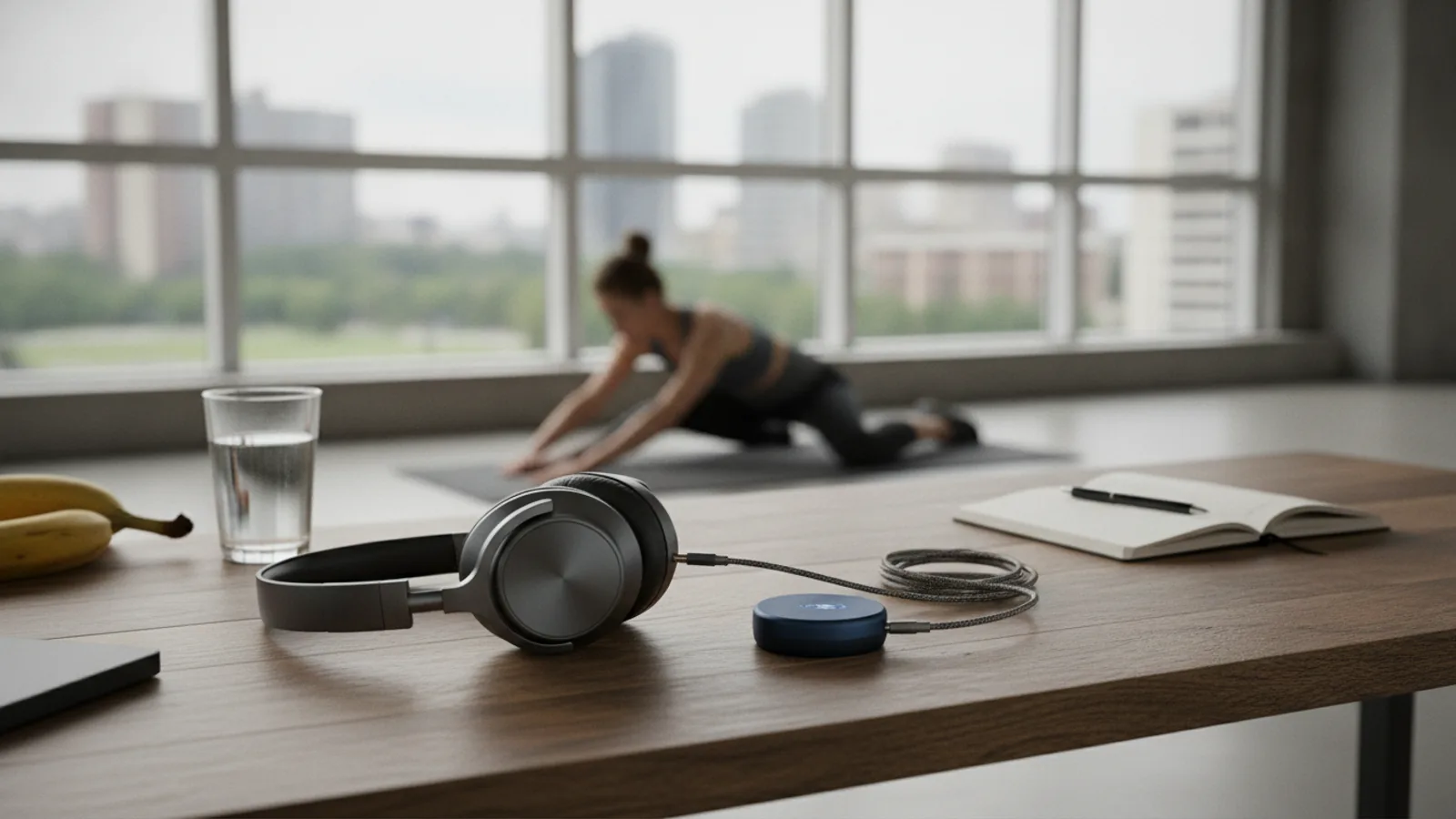
This guide explains how to use noise cancelling headphones to get the best possible sound and silence. Whether you're new to Active Noise Cancellation (ANC) or want to master your existing pair, these steps will help you achieve a perfect fit, customize settings, and troubleshoot common issues. Following this guide ensures you can effectively block out distractions for travel, work, or relaxation, and get the most value from your investment.
Fast Answer
- Achieve a Proper Fit: A good seal is essential for blocking sound, even before turning the power on.
- Activate ANC: Use the dedicated button or companion app to turn on Active Noise Cancellation.
- Select the Right Mode: Use full ANC for immersion, and Transparency/Ambient mode when you need to hear your surroundings.
- Keep Charged: Noise cancellation requires battery power to work effectively.
Before You Start
Getting ready to use your noise cancelling headphones is simple. Having the right items on hand and understanding a key safety check will make the process smooth and ensure you can use them effectively right away.
What You Need
- A pair of noise cancelling headphones (over-ear, on-ear, or in-ear models).
- A compatible audio source device, such as a smartphone, tablet, or laptop.
- The included charging cable and a USB power source.
- For the best experience, download the manufacturer's companion app from your device's app store.
Safety and Context Checks
The most important consideration before you dive in is being aware of how powerfully these headphones can isolate you from your environment. This is their greatest strength, but it also requires a responsible approach.
Step-by-Step Instructions
Follow these steps in order to set up, connect, and customize your noise cancelling headphones for the best performance.
Ensure a Proper Seal on Your Ears
Before you even turn them on, getting the right physical fit is the most critical step. This creates passive noise isolation, a physical barrier that blocks sound. Active Noise Cancellation works much better when it has a good physical seal to support it.
For over-ear headphones, adjust the headband so the earcups completely enclose your ears. The cushions should rest comfortably against the side of your head with no major gaps. If you wear glasses, you may need to adjust them slightly to ensure the seal remains tight.
For in-ear headphones (earbuds), selecting the right ear tip is crucial. Most models come with several sizes of silicone or foam tips. Try each size to find the one that fills your ear canal snugly without causing pressure or pain. A good fit will make outside sounds immediately sound muffled.
Power Up and Locate Key Controls
Next, familiarize yourself with the basic functions. Find the power button. On most headphones, you'll need to press and hold it for a few seconds to turn them on or off. You'll typically hear an audible chime or voice prompt, and an LED indicator light will turn on.
Locate the other important controls. There is almost always a button to control the noise cancellation modes. Other common controls include volume up/down buttons and a multi-function button for playing/pausing music and answering calls. Some models use touch-sensitive surfaces on the earcups instead of physical buttons.
Connect via Bluetooth
To listen wirelessly, you need to pair your headphones with your audio device. First, put your headphones into pairing mode. This is often done by holding the power button for a few extra seconds when turning them on, or by pressing a dedicated Bluetooth button. A blinking blue or white light and a voice prompt will usually confirm you're in pairing mode.
Next, open the Bluetooth settings on your smartphone, tablet, or computer. Look for the list of available devices and select your headphones' model name. Once selected, the devices will connect, and you'll get a confirmation chime in your headphones. Your headphones will now automatically connect to this device whenever they are on and nearby.
Activate and Adjust Noise Cancellation
Now for the main event. With the headphones on and fitted properly, press the button that controls the Active Noise Cancellation (ANC). You should notice an immediate and dramatic reduction in low-frequency background noise. The hum of an air conditioner, the rumble of a fan, or the drone of an airplane engine should fade away significantly.
It's important to understand what ANC does best. It targets constant, low-pitched sounds by creating an opposite sound wave to cancel them out. It is less effective against sudden, sharp sounds (like a dropped plate) or irregular, high-pitched sounds (like human voices). Don't be surprised if you can still hear people talking nearby; this is normal behavior for the technology.
Use Transparency or Ambient Sound Mode
Nearly all modern noise cancelling headphones have a feature called Transparency, Ambient, or Hear-Through mode. This feature uses the external microphones to pick up the sounds around you and play them through the headphone speakers, allowing you to hear your environment without taking your headphones off.
This mode is incredibly useful in many situations. Activate it when you need to order a coffee, listen for a gate announcement at the airport, or have a quick conversation with a coworker. It's also a critical safety feature for when you're walking or running outdoors. You can usually toggle this mode by pressing the same button that controls ANC.
Install and Explore the Manufacturer's App
To unlock the full potential of your headphones, you should download the official companion app from the manufacturer (e.g., Sony Headphones Connect, Bose Music). Connecting your headphones to the app opens up a new level of customization.
Inside the app, you can typically access features like:
- Adjustable ANC levels: Instead of just on/off, you can often select from multiple levels of noise cancellation or even enable an adaptive mode that adjusts automatically to your environment.
- Customizable Equalizer (EQ): Adjust the bass, mids, and treble to tailor the sound to your personal preference.
- Firmware Updates: Manufacturers release updates that can improve ANC performance, fix connectivity bugs, and add new features. This is a crucial step for long-term performance.
- Button Remapping: Some apps let you change what the physical buttons on your headphones do.
Manage Battery Life
Active Noise Cancellation is an electronic process that requires power, so it has a noticeable impact on battery life. To get the most listening time out of a single charge, be strategic with your power usage.
When you're in a quiet environment, turn off ANC to conserve battery. Most headphones let you cycle through "ANC On," "ANC Off," and "Ambient Mode." Also, remember to power down the headphones completely when you're done using them. If your headphones support it, using a wired audio cable can sometimes turn off the Bluetooth radio, saving a significant amount of power.
Common Problems When You Use Noise Cancelling Headphones
Even with the best headphones, you might run into a few common issues. Here’s how to quickly solve them.
- Problem: The noise cancellation seems weak.
Solution: First, re-check the physical fit and seal. This is the most common culprit. Second, make sure ANC is actually turned on via its button or the app. Finally, ensure your headphones are charged, as performance can degrade when the battery is very low. - Problem: I feel a weird pressure in my ears.
Solution: Some users are sensitive to the effect of ANC, which can create a feeling of pressure similar to changing altitude in a plane. This is often called "eardrum suck." If your app allows it, try lowering the intensity of the noise cancellation. Taking short breaks can also help you acclimate. - Problem: My music stutters or cuts out.
Solution: This is usually a Bluetooth connection issue. Make sure your audio source (e.g., your phone) is close to you, ideally within a few feet and without major obstructions like walls. You can also try disconnecting other Bluetooth devices that might be causing interference. - Problem: I can still hear people talking clearly.
Solution: This is expected. ANC technology excels at cancelling constant, low-frequency sounds like engines and fans. It does not eliminate sharp, irregular sounds like speech. A good physical seal (passive isolation) is your best tool for reducing the clarity of nearby conversations.
Advanced Tips for Noise Cancelling Headphones
Once you've mastered the basics, use these pro tips to take your experience to the next level.
- Use ANC Without Music for Pure Focus: You don't have to be listening to audio to use the noise cancellation. If you need to concentrate in a loud office or on a commute, simply turn on the headphones and activate ANC to create your own bubble of silence.
- Layer with Soundscapes: For maximum focus, combine ANC with a low-volume ambient sound. Playing white noise, rain sounds, or instrumental music can help mask the high-frequency sounds that ANC can't block, creating a more complete sense of isolation.
- Enable Multipoint Pairing: If your headphones support it (check the app), enable multipoint Bluetooth. This lets you connect to two devices simultaneously, like your laptop and your phone. You can listen to a video on your laptop, and when a call comes in on your phone, the headphones will switch over automatically.
- Always Install Firmware Updates: This is one of the most important habits for long-term ownership. Manufacturers frequently release software updates through the companion app that can tangibly improve the noise cancellation algorithm, fix bugs, and enhance connectivity.
Quick Reference
| Situation | Use this | Why |
|---|---|---|
| Flying on a plane or riding a train | Maximum ANC Setting | Blocks the constant, low-frequency engine drone more effectively than anything else. |
| Working in a noisy office | Mid-level ANC or Ambient Mode | Reduces distracting background hum and chatter without making you completely unaware of colleagues. |
| Walking on a busy street | Ambient/Transparency Mode | Lets you enjoy your audio while staying safe and aware of traffic, sirens, and other people. |
| Studying or reading in silence | ANC On, No Music | Creates a quiet environment ideal for concentration without the distraction of any audio. |
| Critical music listening at home | Wired Connection (ANC Off) | A direct cable connection can provide higher fidelity audio and completely removes Bluetooth from the equation. |
Noise Cancelling Headphones FAQ
What's the difference between Active Noise Cancellation and passive noise isolation?
Passive noise isolation is a physical barrier. It's the seal created by the headphone's earcups or an earbud's tips that physically blocks sound waves from reaching your ear. Active Noise Cancellation (ANC) is an electronic system. It uses tiny microphones to listen to outside noise and then generates an opposite sound wave ("anti-noise") to cancel it out before you hear it.
Do noise cancelling headphones block all sound?
No, they do not create true silence. They are highly effective at reducing constant, low-frequency sounds (like engine rumble) but are less effective against high-frequency, unpredictable sounds (like speech or a baby crying). They significantly reduce background noise, but do not eliminate it entirely.
Can noise cancelling headphones damage my hearing?
On the contrary, they can help protect it. Because they reduce background noise so well, you can listen to your music or podcasts at a much lower, safer volume. The main safety risk is not hearing damage, but a lack of situational awareness when using them in busy environments.
Can I use noise cancelling headphones for phone calls?
Yes. Almost all models include built-in microphones for making and receiving calls. Many use advanced processing to separate your voice from background noise, making you sound clearer to the person you're speaking with, even if you're in a loud place.
Final Checklist for Using Noise Cancelling Headphones
Before every use, run through this quick mental checklist to ensure you're getting the best performance and staying safe.
- Check the Fit: Is there a snug, complete seal around or in your ears?
- Fully Charged: Is the battery level sufficient for how long you plan to listen?
- Paired Correctly: Are you connected via Bluetooth to the right device?
- ANC is Active: Have you pressed the button to turn on noise cancellation?
- Awareness Mode Set: Have you chosen the right mode (Max ANC, Ambient, Off) for your environment?
- App Is Ready: Is the companion app installed on your phone for any fine-tuning?